Introduction
In today’s fast-paced accounting world, manual data entry is no longer practical. CA firms, accountants, and businesses handle hundreds of vouchers, ledgers, and GST entries daily.
That’s why many professionals are searching for a reliable way to connect Excel to Tally software quickly and accurately.
If you’re wondering what you need to connect Excel to Tally software and how to set it up properly, this complete guide will help you.
✅ What Do You Need to Connect Excel to Tally Software?
To successfully connect Excel to Tally software, you need only a few simple things:
1️⃣ Tally ERP 9 or Tally Prime Installed
Make sure Tally is properly installed and activated on your system.
2️⃣ Excel File with Proper Data Format
Your data should be arranged correctly in Excel:
- Date column
- Voucher type
- Ledger names
- Debit/Credit amounts
- GST details (if applicable)
Proper formatting ensures smooth import without errors.
3️⃣ Excel to Tally Software Tool
This is the most important requirement.
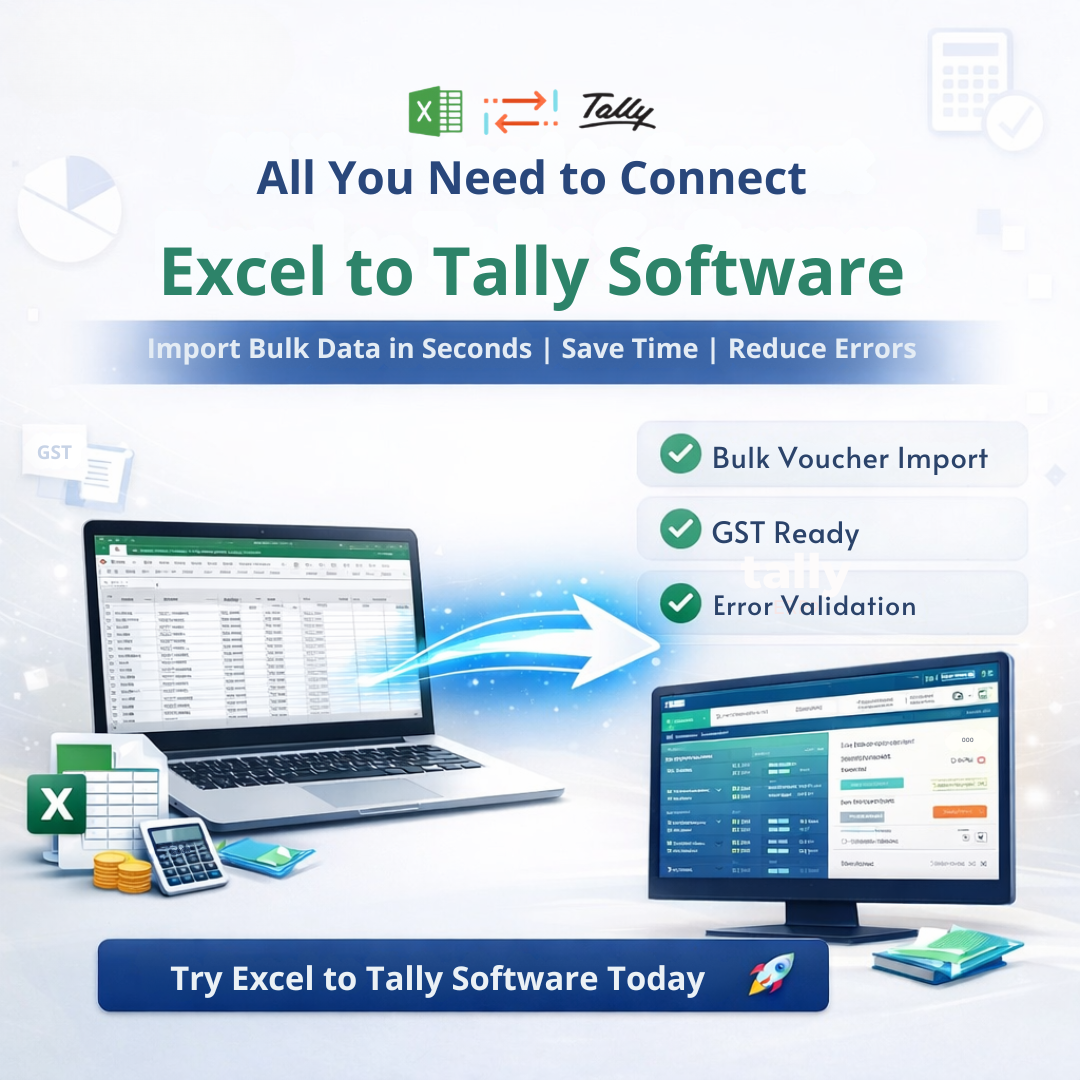
The Excel to Tally software acts as a bridge between Excel and Tally, allowing the following:
- Direct voucher import
- Ledger creation
- Item master import
- Bank entry upload
- Cost centre data import
Without this automation tool, importing large data manually becomes time-consuming and risky.
🔄 How to Connect Excel to Tally Software (Step-by-Step)
Here’s the simple process:
Step 1: Prepare Your Excel Data
Ensure:
- No spelling mistakes in ledger names
- Correct date format
- Proper debit and credit structure
Step 2: Open Excel to tally software.
Select the appropriate template:
- Sales Voucher
- Purchase Voucher
- Payment/Receipt
- Journal
- Contra
- Bank Statement
Step 3: Map Columns Correctly
Map Excel columns to required Tally fields.
This step ensures:
- Accurate data transfer
- No mismatch errors
- Proper GST calculation
Step 4: Validate Data
Excel to Tally Software validates data before import, reducing mistakes significantly and minimizing rework.
Step 5: Import into Tally
With one click, data is transferred to Tally safely and instantly.
💡 Why Connecting Excel to Tally Software Is Important
Many junior accountants struggle because of:
- Manual data entry pressure
- Tight deadlines
- Repeated corrections
- GST compliance stress
By connecting Excel to Tally software, you can:
✔ Save hours of manual entry
✔ Reduce human errors
✔ Improve productivity
✔ Handle bulk data easily
✔ Increase firm efficiency
This is especially useful during:
- GST return filing
- Audit season
- Year-end closing
- Bulk client data migration
📊 Features That Make Excel to Tally Software Powerful
When you connect Excel to Tally software, you unlock powerful features like
- Bulk voucher import
- Multi-company support
- GST-ready templates
- Error validation before import
- Ledger & item creation
- Bank statement upload
- Cost centre import
- Order voucher import
- Easy column mapping
It is designed especially for:
- CA firms
- Accountants
- Tax consultants
- Businesses handling bulk entries
🚀 Common Problems While Connecting Excel to Tally (And Solutions)
❌ Problem: Ledger Not Found Error
✅ Solution: Enable auto ledger creation or pre-create ledgers.
❌ Problem: Date Format Error
✅ Solution: Use standard DD/MM/YYYY format.
❌ Problem: GST Calculation Mismatch
✅ Solution: Use a proper GST template with correct tax rate columns.
Using the right Excel to tally software eliminates most of these issues automatically.
🎯 Who Should Connect Excel to Tally Software?
This system is ideal for:
- CA firms handling multiple clients
- Junior accountants working under deadline pressure
- Businesses with daily bulk entries
- Audit professionals
- GST practitioners
If you are still entering vouchers manually, you are wasting valuable working hours.
📌 Conclusion
Connecting Excel to Tally software is no longer optional—it is essential for modern accounting workflows.
With the right setup and proper Excel-to-Tally software tool, you can:
- Work faster
- Make fewer mistakes
- Reduce stress
- Increase client satisfaction
- Improve overall firm performance
If you want to transform your accounting process, now is the right time to connect Excel to Tally software.