Manually entering inventory vouchers into Tally is time-consuming and error-prone, especially when data comes from Excel with GST, stock quantities, and dispatch details.
Excel to Tally Inventory Templates help accountants import bulk inventory data into Tally accurately, quickly, and GST-compliantly.
Why Accountants Use Excel to Tally Inventory Templates
Accountants face challenges like
- GST calculation errors
- Stock quantity mismatch
- Repetitive voucher entry
- Different Excel formats from clients
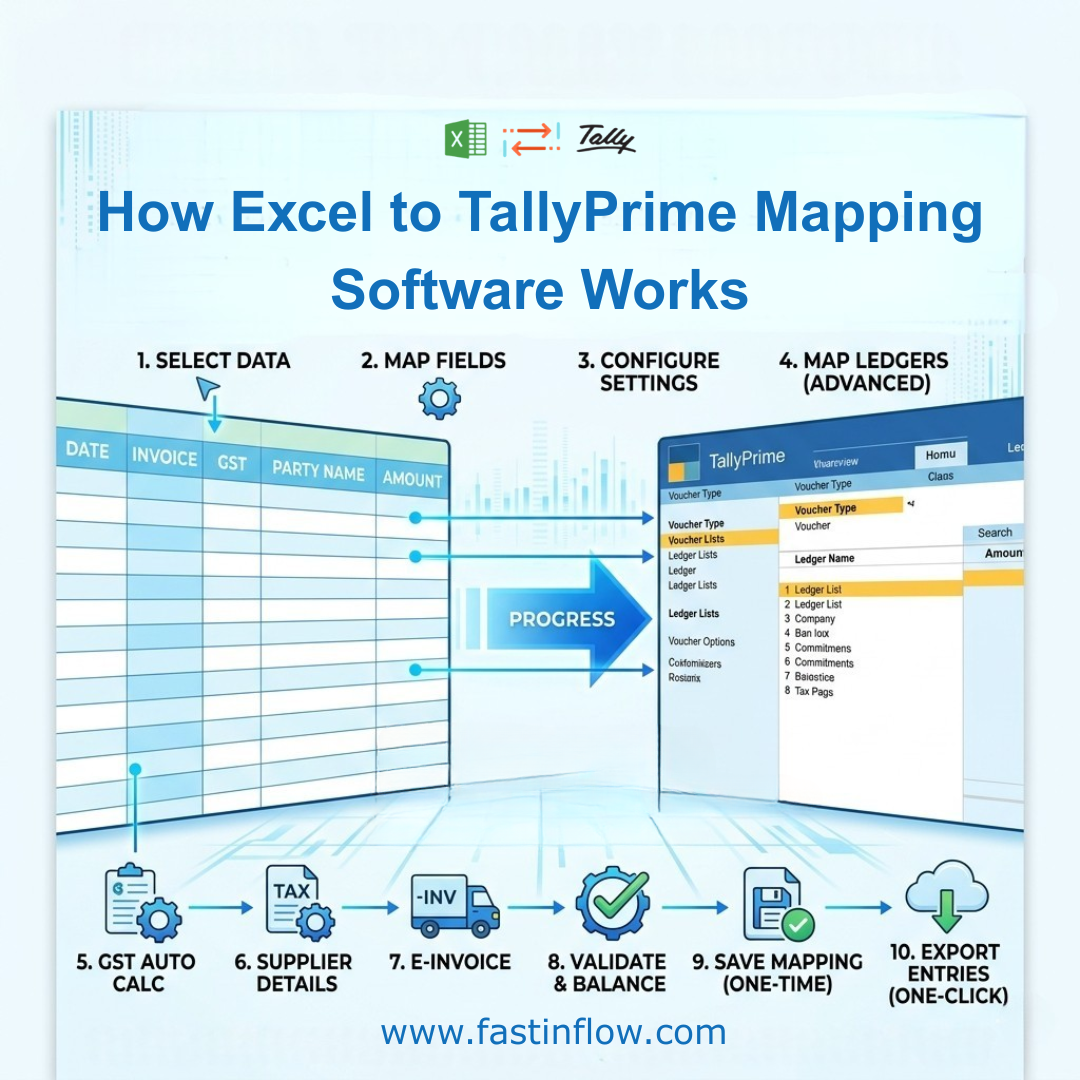
Excel to Tally Software solves this by allowing direct Excel import with ledger mapping, GST automation, and inventory control.
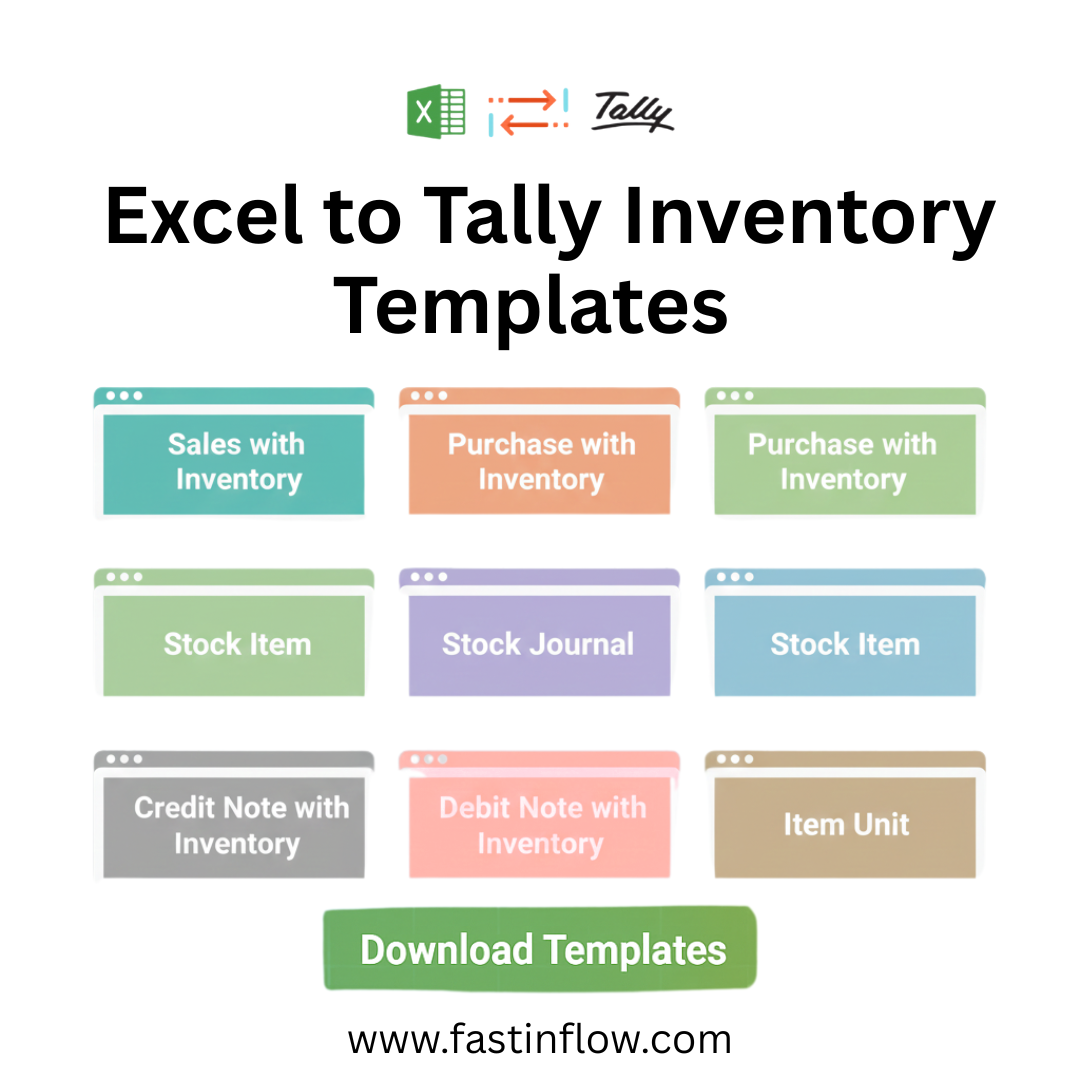
Excel to Tally Inventory Templates
1. Sales with Inventory Template
- Item, Quantity, Rate, Amount
- HSN, Item Unit
- CGST / SGST / IGST
- Sale Type & GST Rate
- Rounded or Actual Total
2. Purchase with Inventory Template
- Supplier Bill No. & Date
- Purchase Ledger WITH/WITHOUT RATE
- GST Ledgers WITH/WITHOUT GST RATE
- Input GST & godown-wise stock
3. Credit Note Inventory Template
- Sales return with stock reversal
- GST adjustment
- Reason & buyer references
4. Debit Note Inventory Template
- Purchase return entries
- Quantity & GST correction
- Supplier date & reference
5. Stock Journal Template
- Godown transfers
- Consumption & production
- Batch/Lot tracking
6. Godown-Wise Inventory Template
- Multi-location stock control
- Item quantity by godown
- Easy reconciliation in Tally
7. GST Rate-Wise Sales Template
- Multiple GST rates in one invoice
- GST Rate Set & Sale Type
- Auto GST Split (CGST / SGST / IGST)
8. Dispatch & Transport Details Template
- LR No, Vehicle No, Carrier Name
- Receipt No. & Date
- Order No, Mode of Payment
- Terms of Delivery
9. Export Inventory Template
- Shipping Bill No. & Date
- Port Code
- Export taxable invoices
- Buyer & Consignee details
10. E-Invoice Ready Inventory Template
- ACK No. & Date
- IRN
- Bill To & Ship to Place
- Cost Centre Class
Smart Ledger Configuration Options
- Sales/Purchase Ledgers: WITH RATE or WITHOUT RATE
- GST Ledgers: WITH GST RATE or WITHOUT GST RATE
- Total Calculation: ROUNDED TOTAL or ACTUAL TOTAL
✔ Works with any client Excel format.
Built-In Excel Automation Tools
- Auto GST Split
- Auto Total
- Date Rectify
- Fill Down
- Create Ledgers, Items & Units
- Export Data to Tally
Who Should Use These Templates
- Chartered Accountants
- Accounting firms
- GST practitioners
- Traders, manufacturers & distributors
Conclusion
Excel to Tally Inventory Templates help accountants:
- Import bulk inventory data
- Avoid GST & stock errors
- Save hours of manual work
👉 A must-have tool for every modern accountant.
📞 Call / WhatsApp: 9886799378