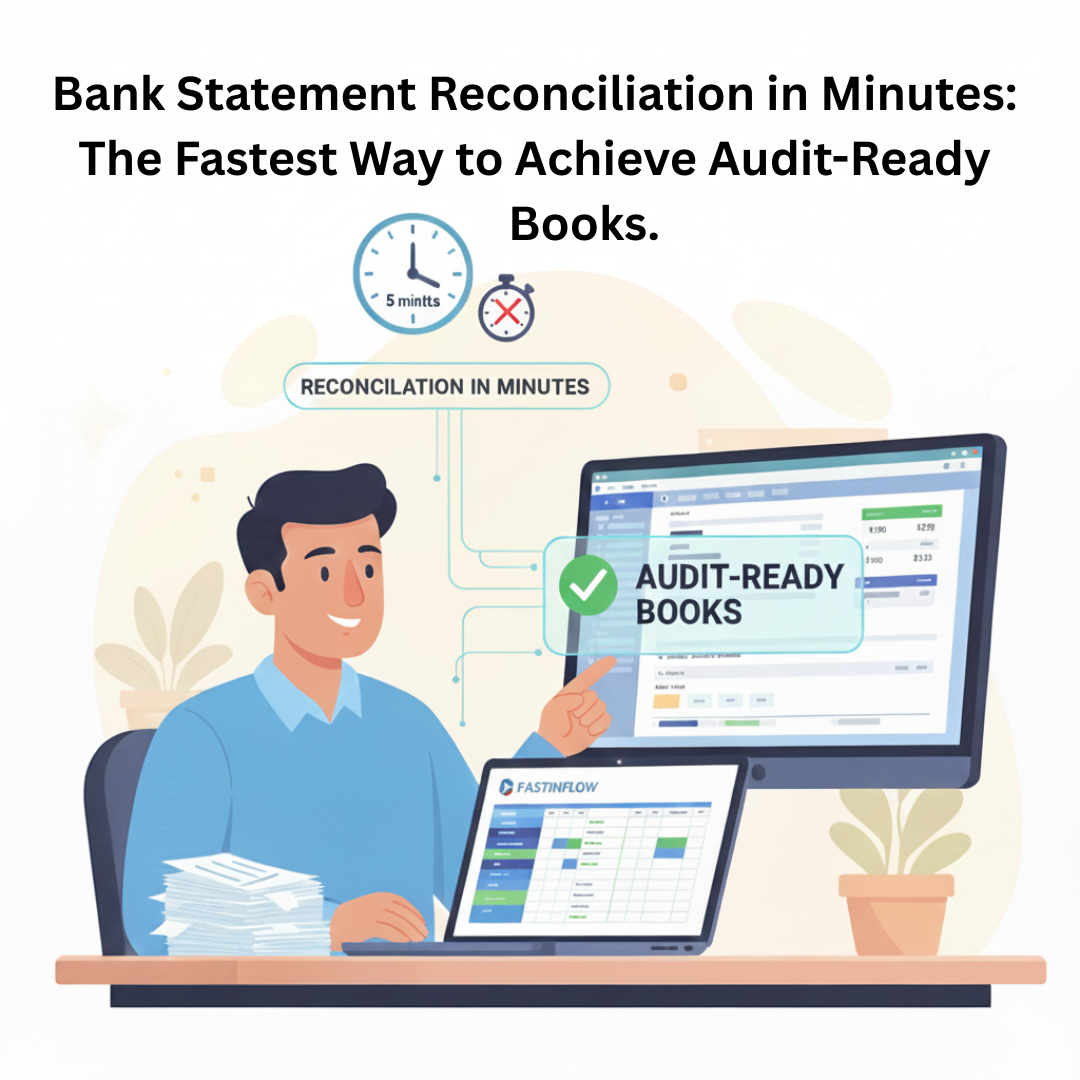
Tired of manual work? Fastinflow makes Excel-to-Tally bank reconciliation effortless. Import thousands of entries from HDFC, ICICI, and other banks in minutes—error-free and audit-ready. Automation reads narrations, detects Contra vouchers, and eliminates time-consuming manual steps.
If you’re a CA, finance manager, or business owner dealing with HDFC, ICICI, or any other bank, you know this struggle.
But what if we told you that tiring 4-hour job can be completed in under 5 minutes, with zero errors, and be fully audit-ready?
This isn’t about simply copying data; it’s about using fastinflow.com to automate the accounting intelligence required for reconciliation. Let’s see how we transform that headache into a simple click.
The issue isn’t the bank statement itself; it’s the time-consuming manual process of telling Tally what each line means.
• You read the narration and figure out what type of voucher it should be.
• You check whether the right ledger already exists.
• You enter the amount manually and make sure the debit/credit side is correct.
This whole manual process takes a lot of time, and that’s where errors usually happen.
Our smart automation removes all these steps—it understands the entry and fills everything in for you.
The Contra Voucher is an important part of bank reconciliation, but identifying which transactions should be marked as Contra is still a completely manual task.
How Fastinflow Fixes the Contra Headache:
Fastinflow now reads your bank narrations and automatically creates the right Contra Voucher for you.
When it sees words like “cash,” “ATM,” or “self,” it instantly knows what to do—no questions asked. And once you save a Contra entry, the system learns and improves for next time.
This saves you from:
• Manually checking and grouping transactions.
• Opening Tally and posting every Contra entry yourself.
It’s automation that thinks like an accountant.
3. The Audit Confidence Guarantee: Accuracy Before Import:
When you’re importing up to 1,000 entries at once, accuracy becomes the biggest concern. One wrong column, one mismatch, or one formatting issue can completely distort your books.
That’s why Fastinflow checks every detail before the import happens.
Introducing the Running Balance Check:
Excel to Tally helps you achieve 100% accuracy before the import button is even pressed. When you map your statement to our template, you’ll see a specific column: Running Balance.
This feature ensures that the imported data validates against the closing balance in your Tally account, giving you a green light for accuracy.
If the balance doesn’t match, you stop and fix it. If it matches, you have the peace of mind to click export to Tally, knowing your books will be perfectly reconciled.
4. The 3-Step Journey to Reconciliation in Minutes:
Because Fastinflow is designed to work within Excel, the process is familiar, fast, and secure.
Step 1: Prep Your Statement with the Right Template:
Forget dealing with complicated HDFC or ICICI PDF formats. You simply paste your bank statement data into one of our two specialized templates:
- Bank Statement – Single Column Format: For bank statements that show both debit and credit amounts in the same column.
- Bank Statement – Double Column Format: For traditional bank statements with separate Debit and Credit columns.
- (Note: We only require four mandatory fields: Date, Details, Amount, and Ledger Name.)
Step 2: Clean and classify with Excel Power:
This is where the magic of working in Excel happens. You can use all your familiar tools:
- Use Excel’s built-in Sort/Filter functions to group transactions.
- Use our dedicated buttons like REMOVE COMMA and RECTIFY DATE to instantly clean up messy raw data—no more error messages from Tally because of a wrong character!
- Quickly assign the Tally Ledger Name to all transactions, which is the key to linking the bank entry to the correct party or expense.
Step 3: Validate and Import (The 5-Minute Click)
Once your running balance check gives you the all-clear, you are ready.
With a single click of the IMPORT TO TALLY button, thousands of entries are created instantly, complete with the correct voucher types, ledgers, and amounts. Your book is reconciled, and you’ve saved hours of your valuable time.
Conclusion: Stop Typing, Start Analysing
Bank statement reconciliation doesn’t have to be a recurring headache. By leveraging the advanced features in Fastinflow—like automated Contra conversion, secure local processing, and the running balance check—you are achieving:
- Speed: Reconciliation completed in minutes.
- Accuracy: Zero errors thanks to pre-import checks.
- Security: All financial data stays securely on your local machine.
Ready to watch your entire HDFC, ICICI, or any bank statement import in under 5 minutes?
👉 Get a FREE demo of Excel to Tally software today.