Introduction
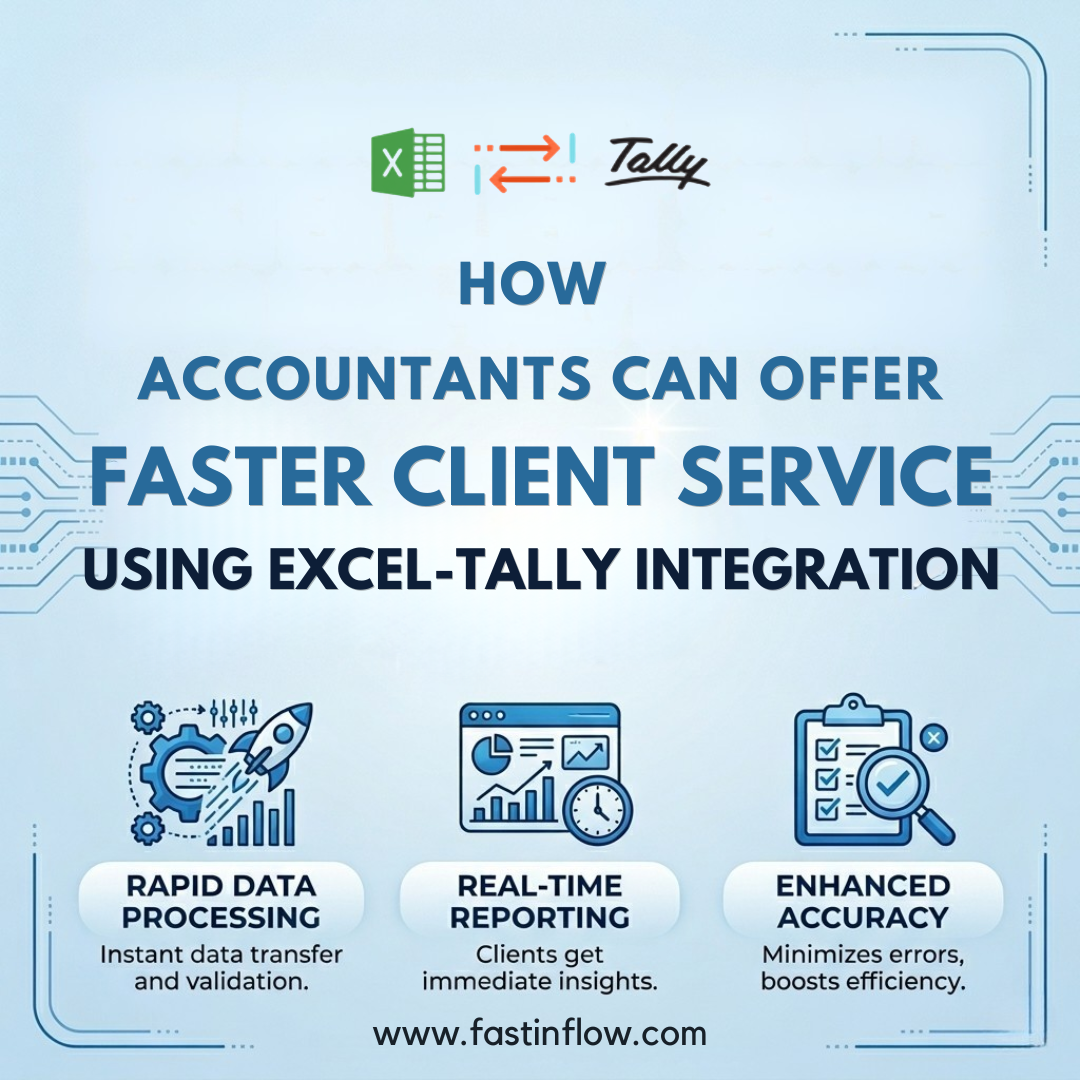
In today’s fast-paced accounting environment, clients expect quick turnaround, real-time insights, and error-free reports. However, many accountants still struggle with manual data entry, repetitive tasks, and time-consuming reconciliations.
game changer. This is where Excel-Tally integration becomes a game changer.
By combining the analytical power of Excel with the accounting strength of Tally, accountants can automate workflows, reduce errors, and deliver faster client service without increasing workload.
The Problem: Why Accountants Struggle with Speed
Most CA firms follow this traditional workflow:
- Client data received in Excel (GST, sales data, bank statements)
- Manual entry into Tally
- Re-checking for errors
- Preparing reports
This leads to:
- Delays in client delivery
- High chances of human error
- Reduced productivity during peak seasons
Even today, Excel is the starting point for most accounting data, but the final system is Tally, creating a gap that slows down operations.
What is Excel-Tally Integration?
Excel-Tally integration allows you to:
- Import Excel data directly into Tally
- Automate voucher creation
- Sync data in real-time
- Generate reports instantly
Modern tools like Fastinflow have evolved this process into one-click automation systems, eliminating manual intervention.
How Excel-Tally Integration Improves Accounting Productivity
1. Eliminate Manual Data Entry
Instead of entering hundreds of vouchers manually:
- Upload Excel
- Map fields
- Import in one click
This reduces hours of work into minutes and significantly improves efficiency.
👉 Businesses using integration report higher accuracy and reduced manual effort.
2. Faster Client Turnaround Time
With automation:
- Bulk transactions → completed in seconds
- Bank entries → imported instantly
- GST data → processed quickly
This allows CA firms to deliver reports faster than competitors, improving client satisfaction.
3. Reduce Errors & Improve Accuracy
Manual entry = human errors.
Integration ensures:
- Standardized data mapping
- Automated calculations
- Error-free voucher creation
This improves data reliability and audit readiness.
👉 Automated data transfer reduces the risk of mistakes significantly.
4. Real-Time Reporting for Clients
Excel-Tally integration enables the following:
- Instant P&L reports
- Live cash flow tracking
- Updated financial dashboards
Accountants can now provide real-time insights instead of delayed reports.
👉 Real-time management ensures up-to-date financial data.
5. Automate Repetitive CA Work
Daily accounting tasks like:
- Sales entries
- Purchase entries
- Bank reconciliation
- Ledger creation
…can be automated.
This frees up time for:
- Advisory services
- Tax planning
- Client communication
Real Use Case: CA Firm Workflow Transformation
Before Integration:
- 6–8 hours for data entry
- Manual reconciliation
- Frequent errors
After Integration:
- 30–60 minutes processing
- Automated reconciliation
- Near-zero errors
Result:
👉 3X faster client service + higher profitability
Why Excel-Tally Integration is the Future for Accountants
Accounting is shifting from data entry → automation → advisory
Firms that adopt automation:
- Handle more clients without increasing staff
- Improve service quality
- Increase revenue per client
👉 Integration boosts productivity by removing repetitive tasks and enabling smarter decision-making.
How Fastinflow Excel to Tally Software Helps
Fastinflow is built specifically for accountants and CA firms.
Key Advantages:
- One-click Excel to Tally import
- Smart mapping system
- Multi-ledger & GST handling
- Bulk data processing
- Error detection & validation
It transforms Excel files into ready-to-import Tally data, reducing manual effort significantly.
Best Practices for Accountants
To maximize benefits:
- Standardize Excel formats
- Use predefined templates
- Automate recurring entries
- Train staff on mapping logic
- Validate data before import
Conclusion
If your firm is still relying on manual data entry, you’re already behind.
Excel-Tally integration is no longer optional; it’s essential.
By adopting automation tools like Fastinflow, accountants can:
✔ Improve accounting productivity
✔ Deliver faster client service
✔ Reduce errors
✔ Scale operations without stress