Tally ODBC with Microsoft Excel
Tally ODBC extracts data from Tally and designs the reports in MS Excel. The steps to be followed are: Enable ODBC in Tally Start Tally and...
Read More »Tally ODBC extracts data from Tally and designs the reports in MS Excel. The steps to be followed are: Enable ODBC in Tally Start Tally and...
Read More »Tally Definition Language (TDL) is a proprietary language of Tally. TDL permits customisation of Tally. ERP nine to include extra functionalities. The product Tally. Developer nine...
Read More »ActionsKey ShortcutsEquivalent Key in Tally.ERP 9To insert a voucher in a reportAlt+IAlt+ITo create an entry in the report, by duplicating a voucherAlt+2Alt+2To drill down from a...
Read More »Step 1. Download Amazon MTR B2C & B2B report Use your email address and password to log in at https://sellercentral.amazon.in. Select the Tax Document Library option...
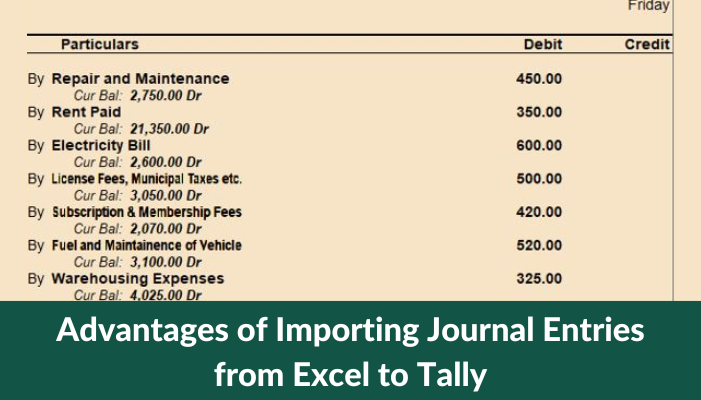
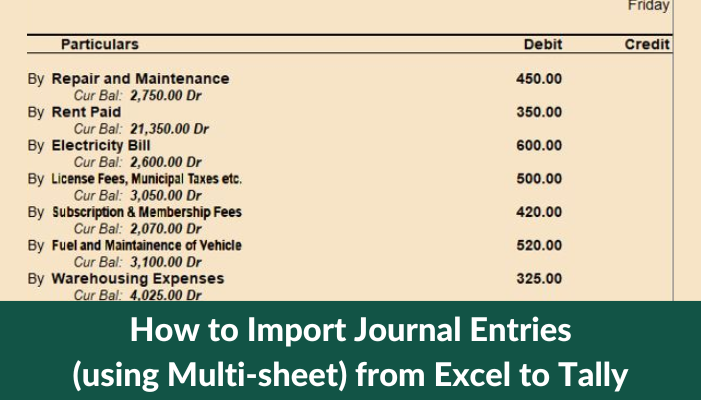
Read More »The first stage in an accounting cycle, according to accounting terminology, is to record a journal entry of a business transaction using a double-entry system. Each...
Read More »Step 1. Open fast in flow & Connect Tally 1. Locate the Tally Port in Cell 'D4' on the Help page and compare it to the...
Read More »One of the earliest industries to use software for resource management was the manufacturing sector. The complexity of the procedures and decision-making involved in a manufacturing...
Read More »Two of the most helpful features added in the most recent version of Tally Prime 2.1 are the Edit log and Digital signature. The most recent...
Read More »Without a question, automation is something we are all going toward. To reduce the time spent manually washing clothes and kitchenware, we utilise washing machines and...
Read More »𝟭. 𝗢𝗽𝗲𝗻 𝗙𝗮𝘀𝘁 𝗜𝗻 𝗙𝗹𝗼𝘄 & 𝗖𝗼𝗻𝗻𝗲𝗰𝘁 𝗧𝗮𝗹𝗹𝘆 Go to the Help sheet and match the Tally Port in Cell 'D4' to the Tally port. (To...
Read More »